How it works
How to use ZetLink
From signing in to your first order. Each step takes a minute or two, and everything works from a phone.
Step 1
Sign in
Open app.zetlink.cc and sign in with Telegram, Google, an e-mail code or your phone number and a password. Nothing to install.
Sign in with Telegram, and order notifications start working at once.
Create your page free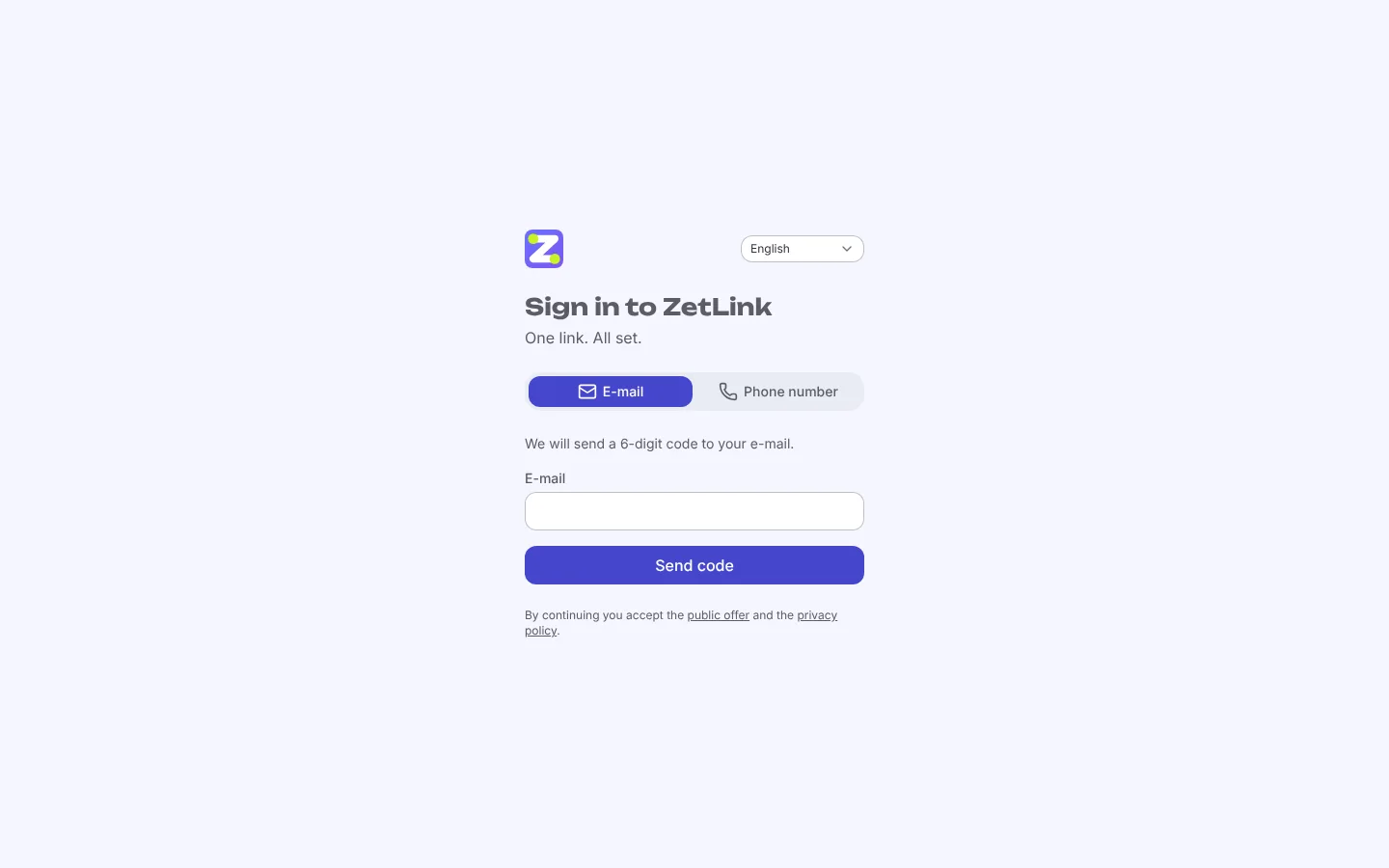
Step 2
Choose your link and a template
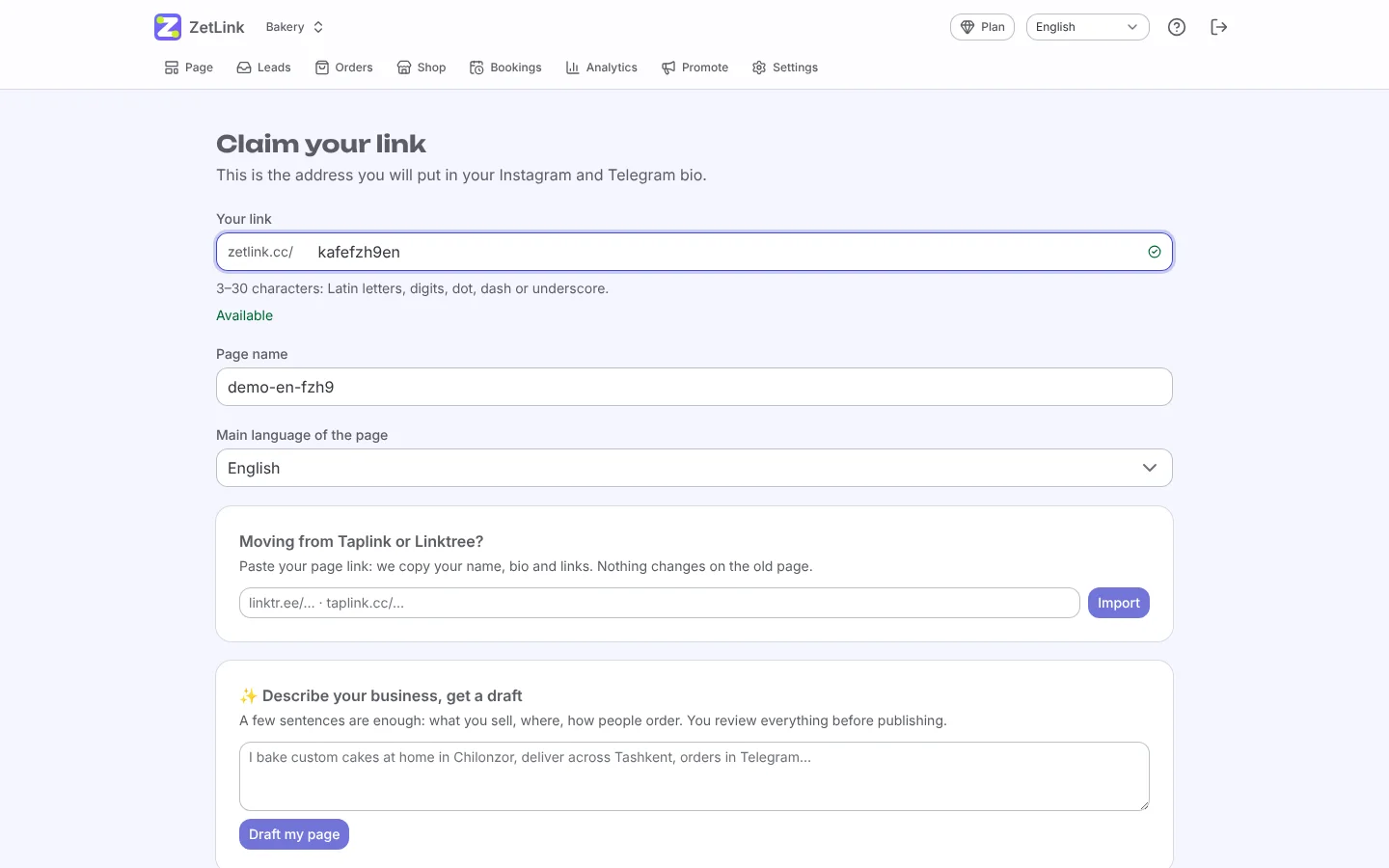
Pick a short name for zetlink.cc/yourname and a template for your type of business. The template already has blocks and sample text.
Use the same name as in Instagram or Telegram, so customers recognise you.
Step 3
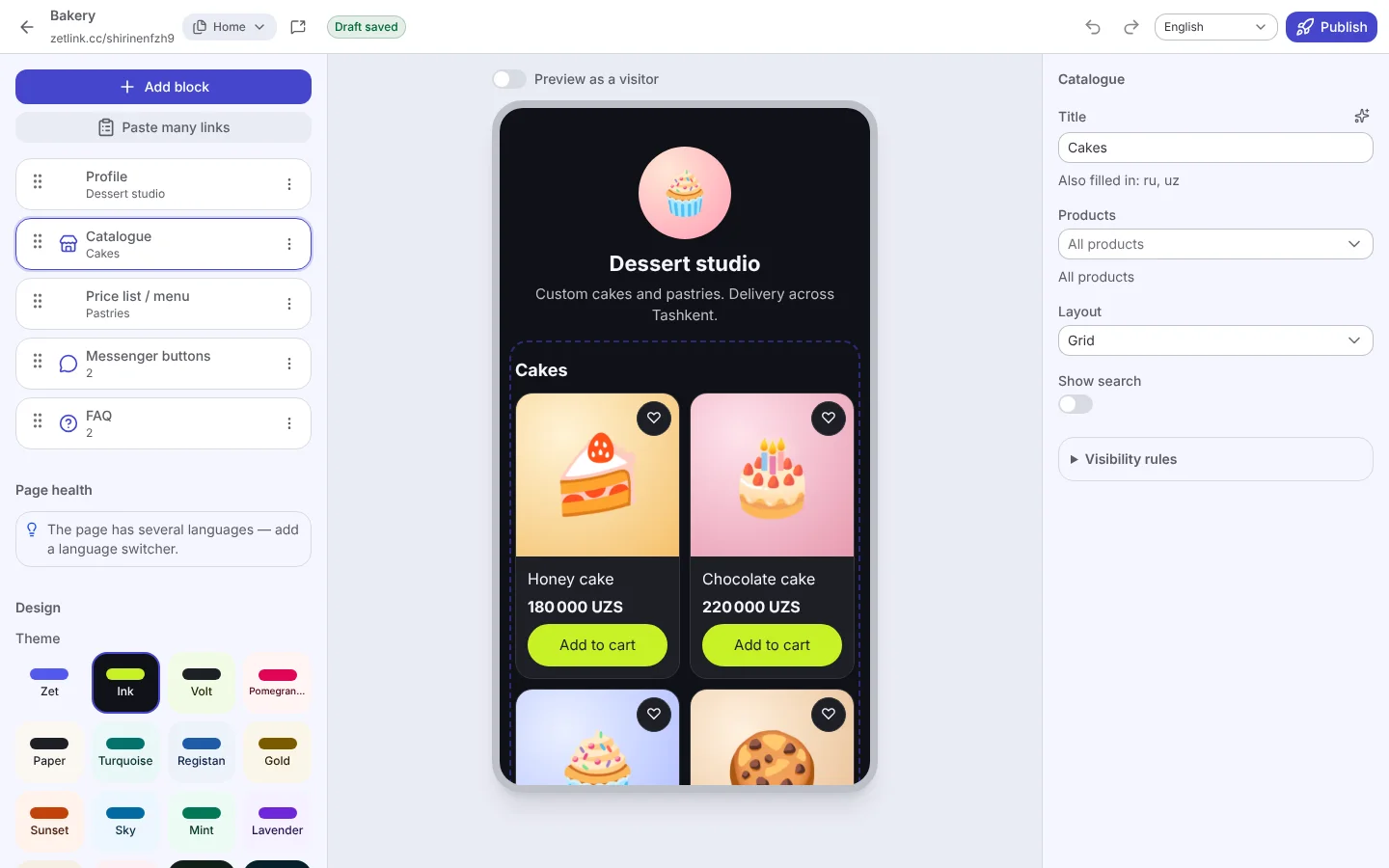
Edit the blocks
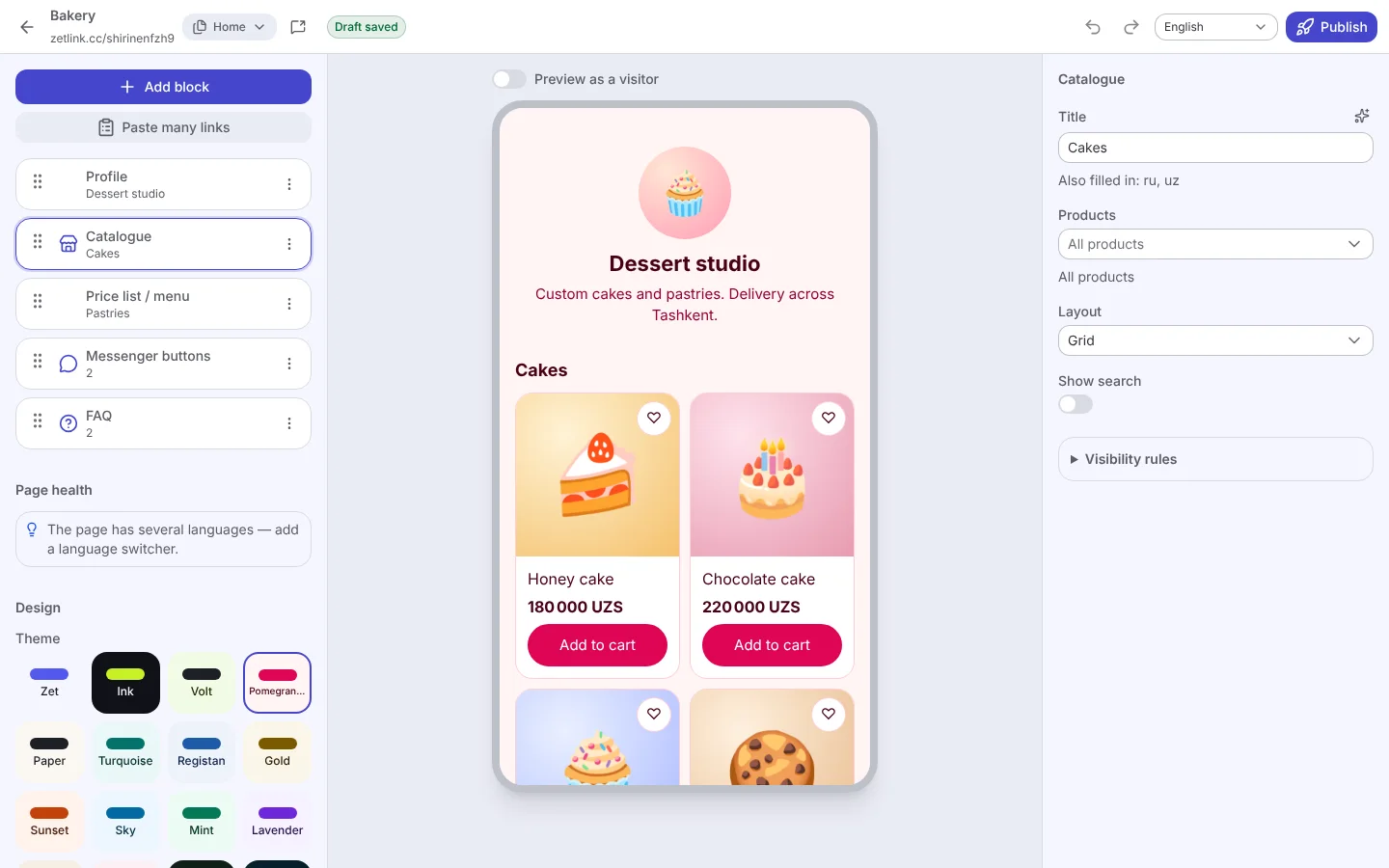
Tap a block to change its text, photo or link. Add new blocks with the plus button, drag them to change the order. Changes save by themselves.
The preview on the right shows exactly what visitors will see on a phone.
Step 4
Make it yours
Choose a theme, colours, font and button shape, add your photo and a background. One click changes the look of the whole page.
Save your colours and logo as a brand kit to reuse them on other pages.
Step 5
Publish and share
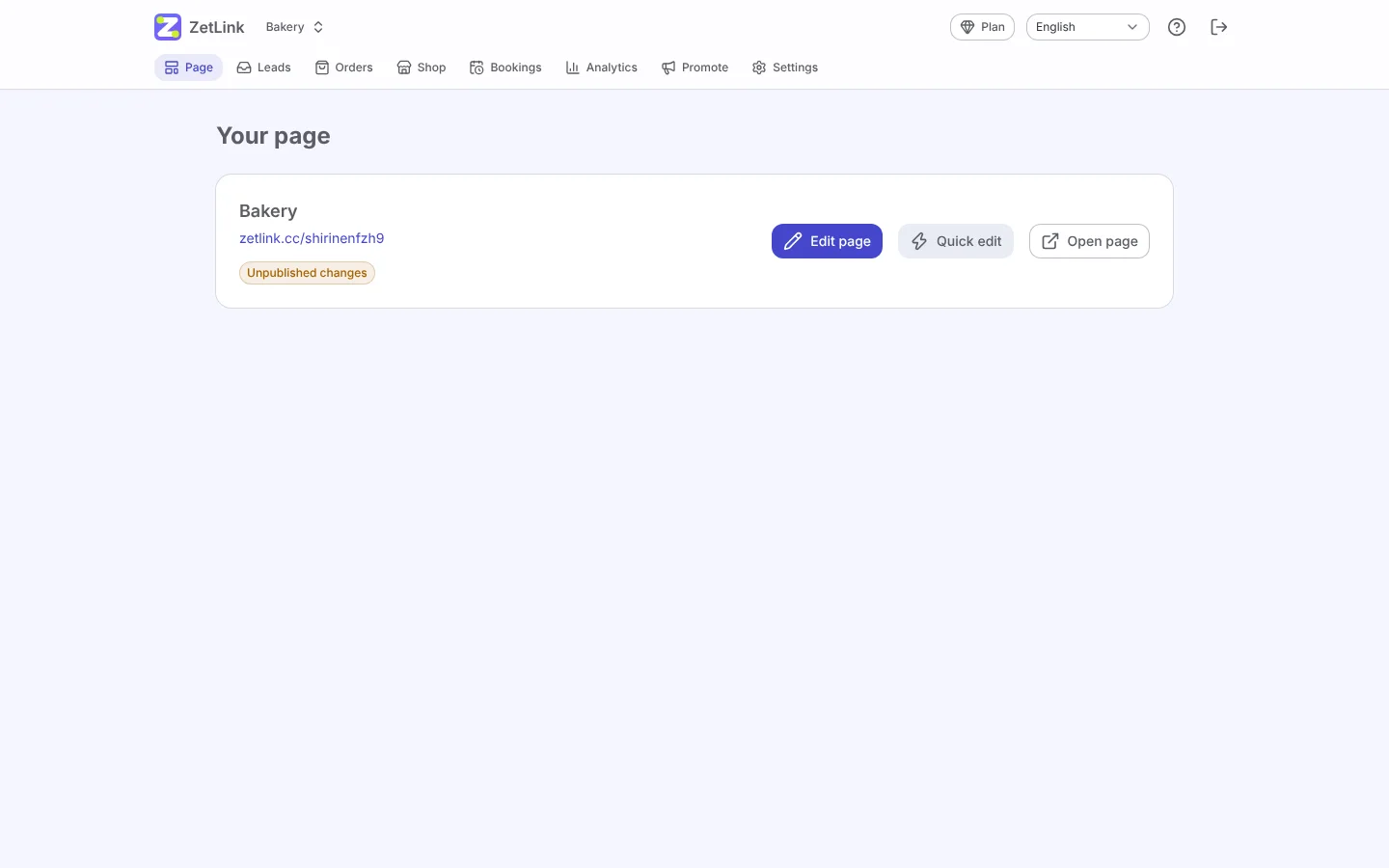
Press Publish and your page is live. Copy the link, download the QR code or a ready image for stories.
Put the link in your Instagram bio, Telegram channel description and on your printed menus.
Step 6
Receive orders and requests
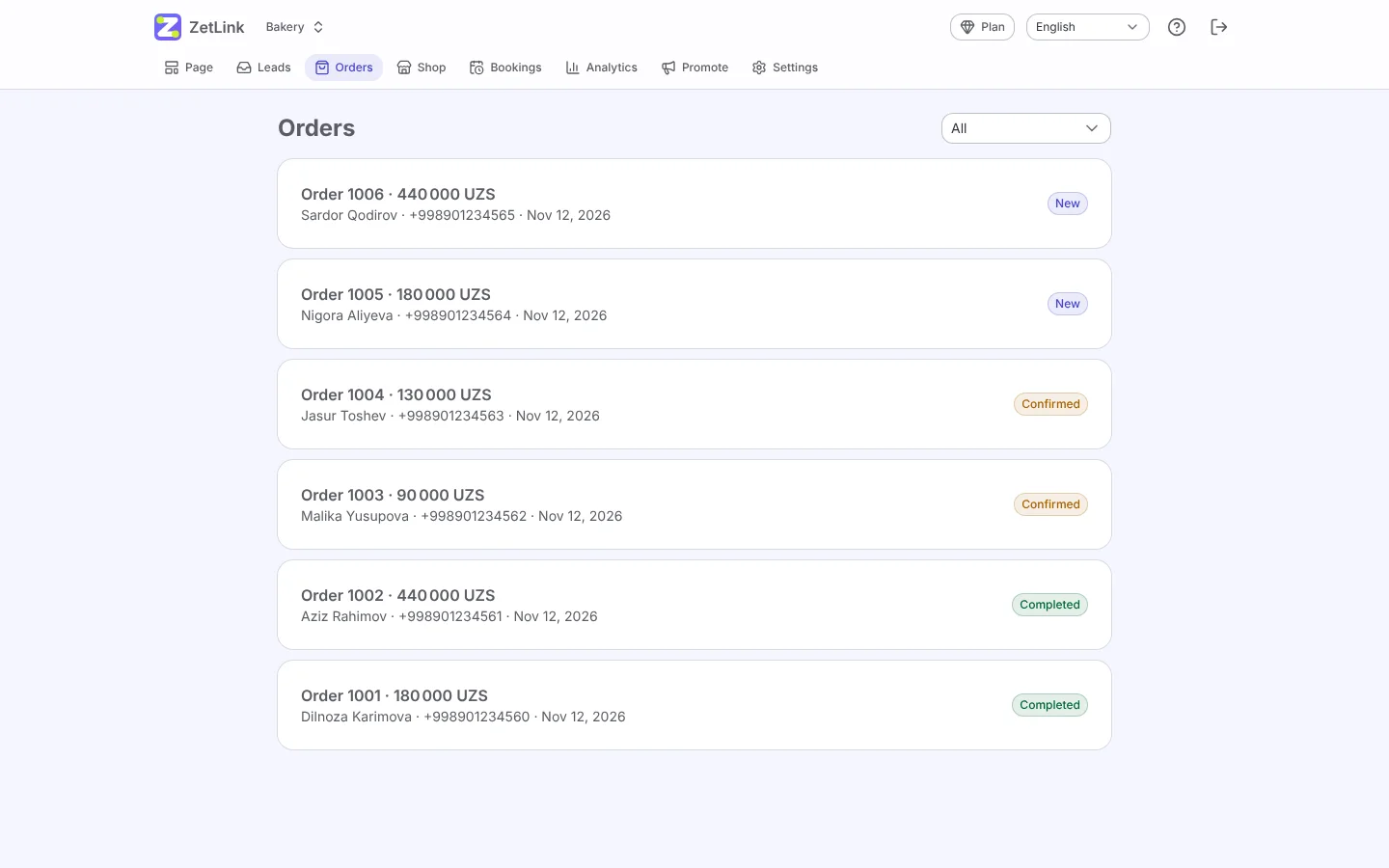
Orders, bookings and requests appear in the app and in Telegram. Confirm them with one button and keep the customer informed.
Connect Payme or Click to accept online payment straight to your account.
Step 7
Watch what works
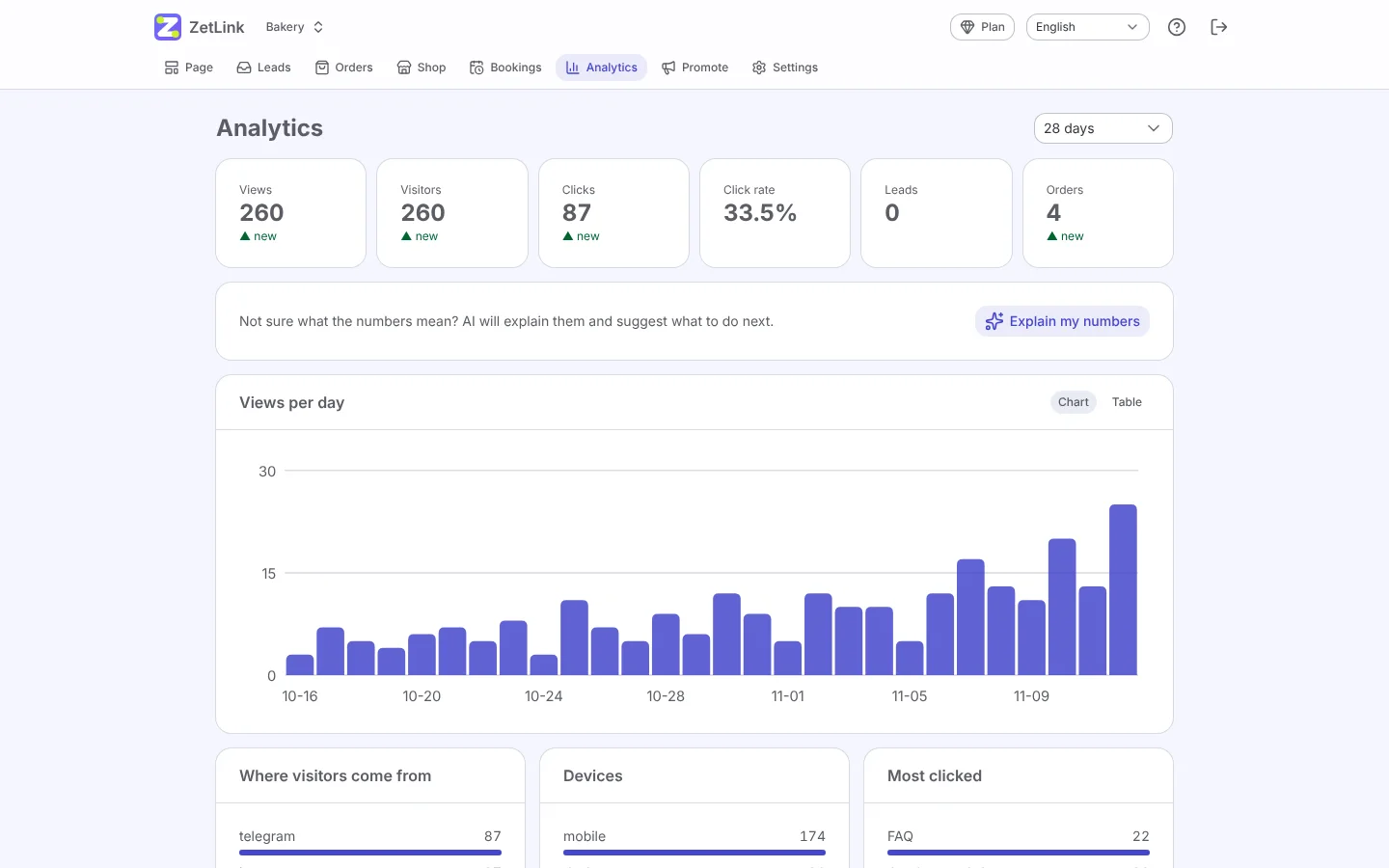
Statistics show views, clicks, sources and sales. Move the most clicked blocks up and try two versions with an A/B test.
Add UTM tags to links in ads to see which campaign brings customers.
Want us to set it up with you?
Leave a request and we will call you, help choose a template and set up payments.